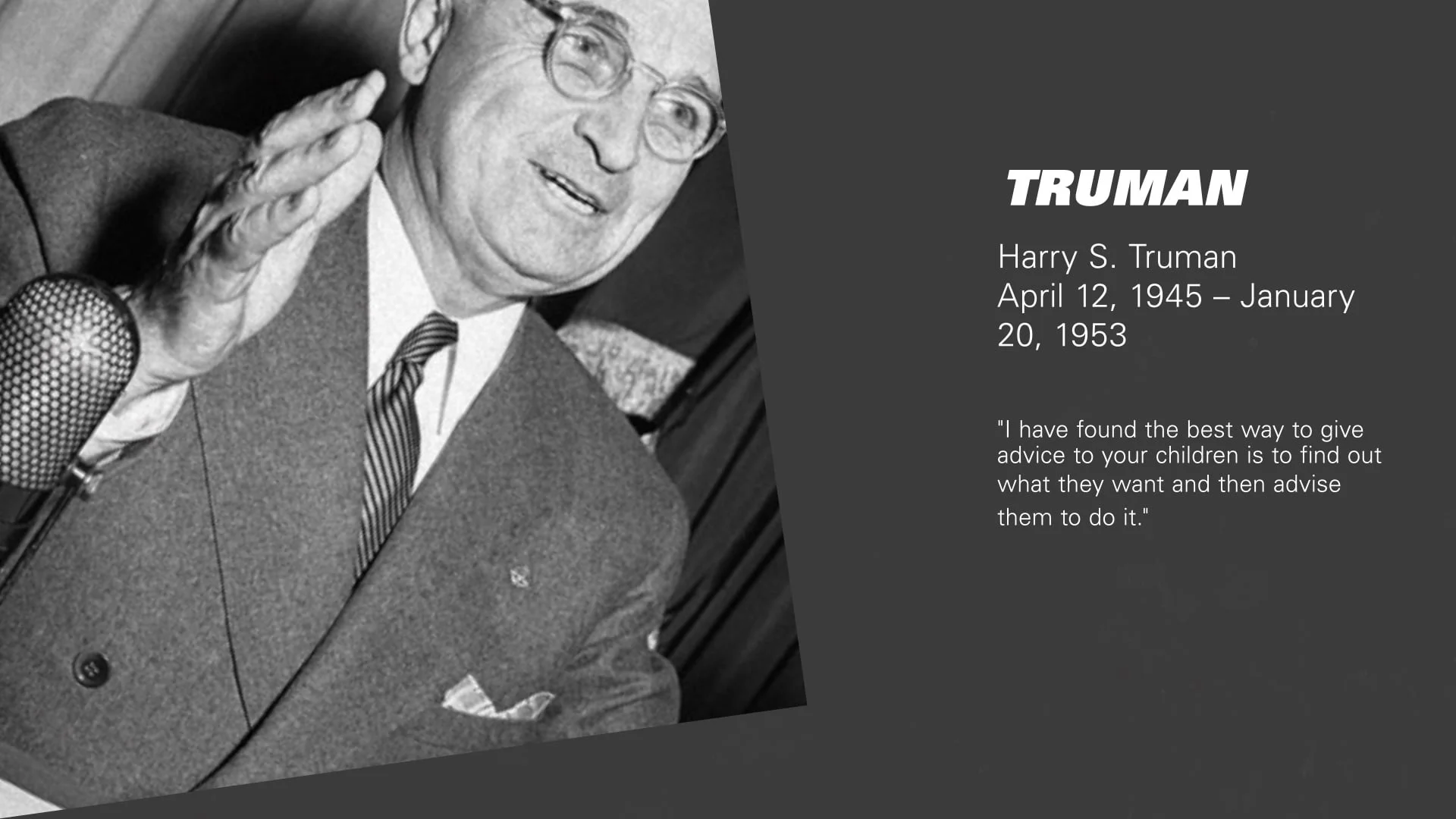
The American Presidency
Inspired by the awesome work of Adam Grabowski, I attempted to flip and rotate compositions using keyframes and expressions. In the process, I was able to develop a host of reusable expressions.
1) First, with modifications to a great tutorial by Dan Ebberts, I was able to create an expression that found the velocity of impact on a layer (in this case, when the comp boxes being rotated hit the bottom of the screen) and used that figure, among other custom figures, to create property-agnostic bounces at designated times. I was able to apply this code to the position property and the text animator property.
2) Second, to achieve the main rotation effect, I had to reference property layers found in different comps, which was very exciting. This type of referencing also enabled me to achieve my own ultra-flexible version of parenting.
3) Third, I was able to utilize two types of custom text expressions: one that created a marquee effect and another that created a floaty rotation and position effect.